
Home > Gas Inserts > Retrofire Gas Insert
More Heat Without the Hassle
Now there is a quick and easy way to turn your existing fireplace into an energy-efficient heat source. Engineered to keep the heat inside your home rather than up the chimney, the RetroFire insert is designed for installation within existing masonry and factory-built wood-burning fireplaces.
The direct vent co-linear RetroFire is now available with AutoFire™ to dynamically tune your fireplace for peak performance. AutoFire™ provides improved operating efficiencies resulting in energy savings in your home.
*Only co-Linear engines are equipped with the Valor AutoFire™ system.
Specifications
| Model | Max Input | Min Input | Max Output | Energuide |
|---|---|---|---|---|
| RF24JDN-CA | 20,000 | 6,500 | 14,322 | 70.03% |
| RF24JDN-CL* | 20,000 | 6,500 | 14,294 | 64.20% |
| RF24JDP-CA | 18,000 | 12,500 | 13,248 | 67.18% |
| RF24JDP-CL* | 18,000 | 12,500 | 12,118 | 57.74% |
| Gas Type | Natural Gas (NG) or Propane (LPG) |
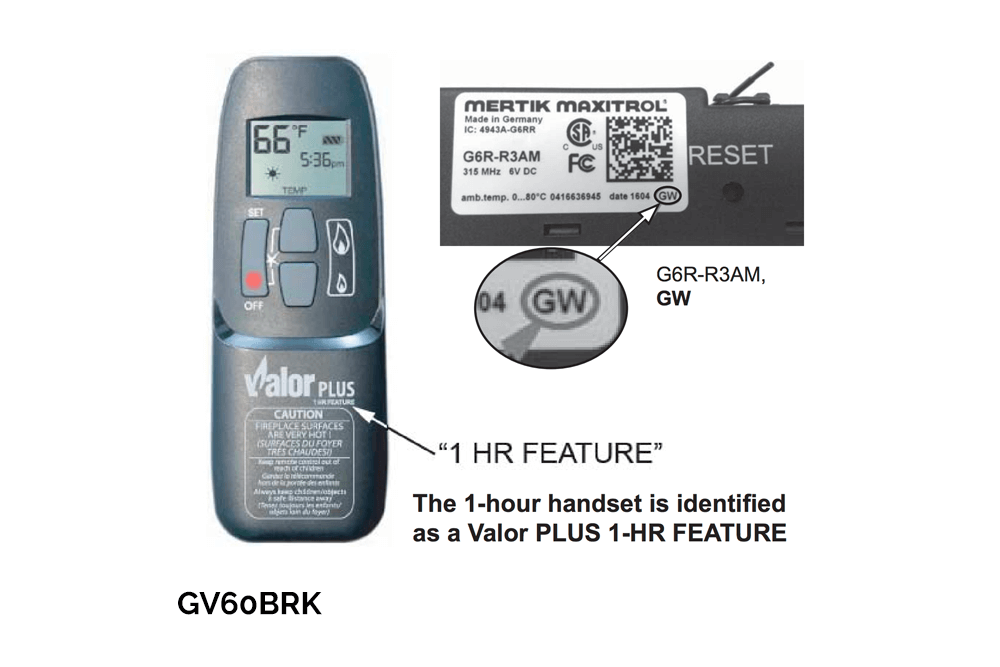
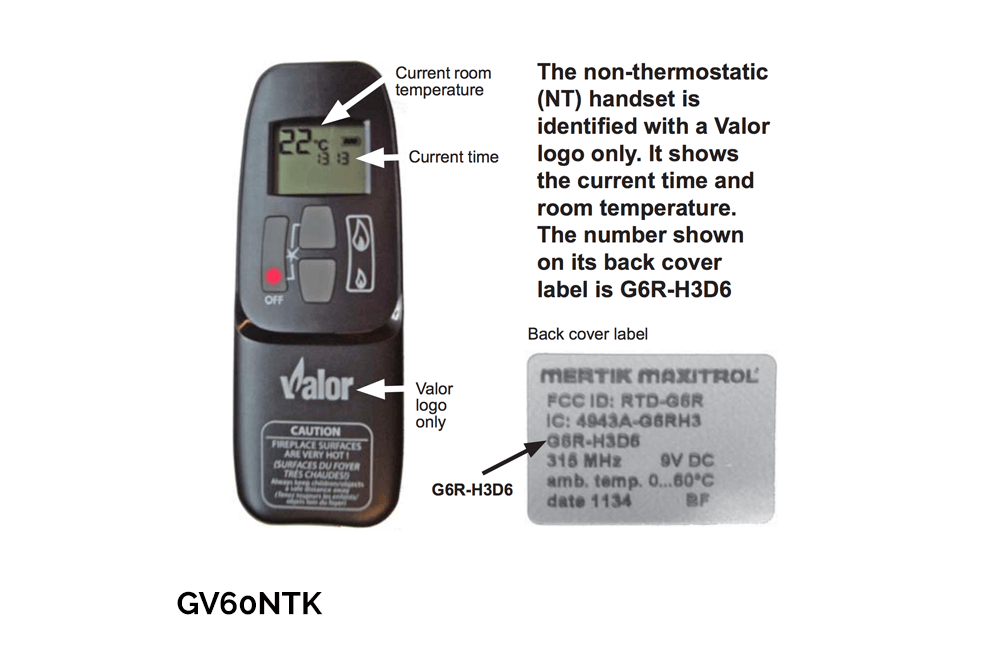
| Remote Control | Quick Guide | Manual |
| Included with Fireplace | Owner and Installation Manuals Valor Plus Remote & Manual |
| Viewing Area | 21 ½" w x 11 ¾" h = 252 ⅝"² |
| Min. Cavity Dimensions | 27" w x 20" h x 14 ⅛" d |
| Optional Wall Control | 1265WSK |
| Installation Type | Direct Vent |
| Safety Features | Fireplace Safety Tips |
| CAD's | Fireplace CAD details |
AUTOFIRE™ FOR INSERTS
AutoFire dynamically tunes your fireplace for peak performance and improved efficiencies. Higher outputs and less fuel consumption will save your home energy.
Gallery
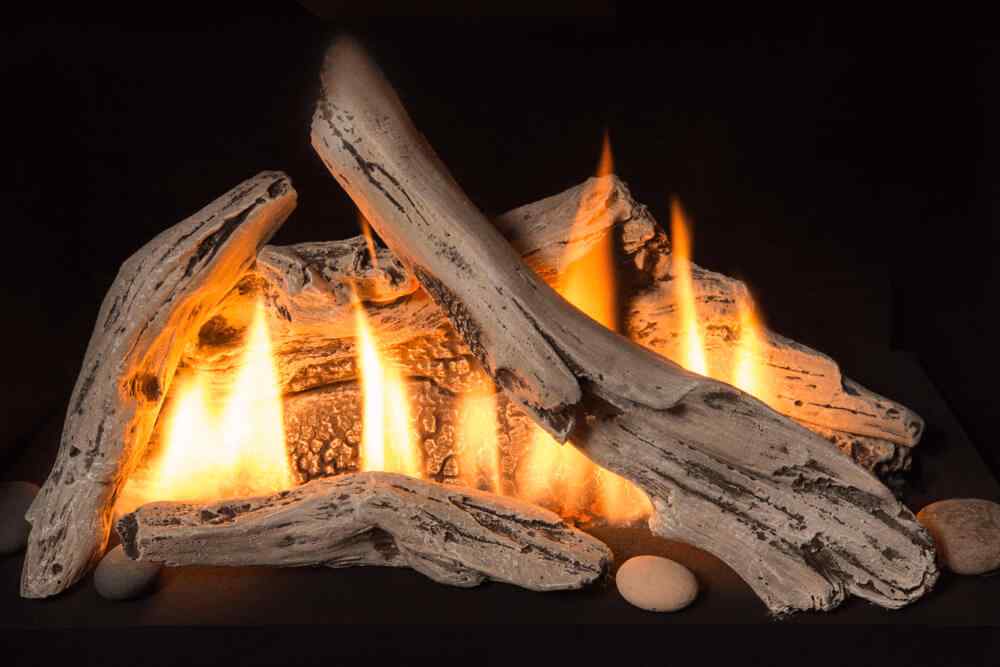
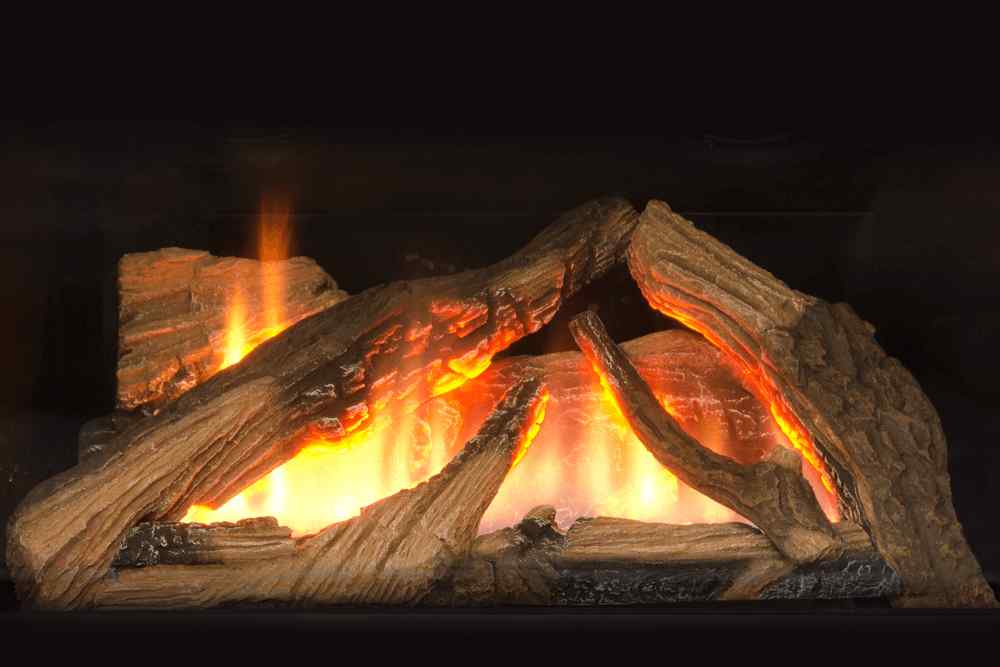
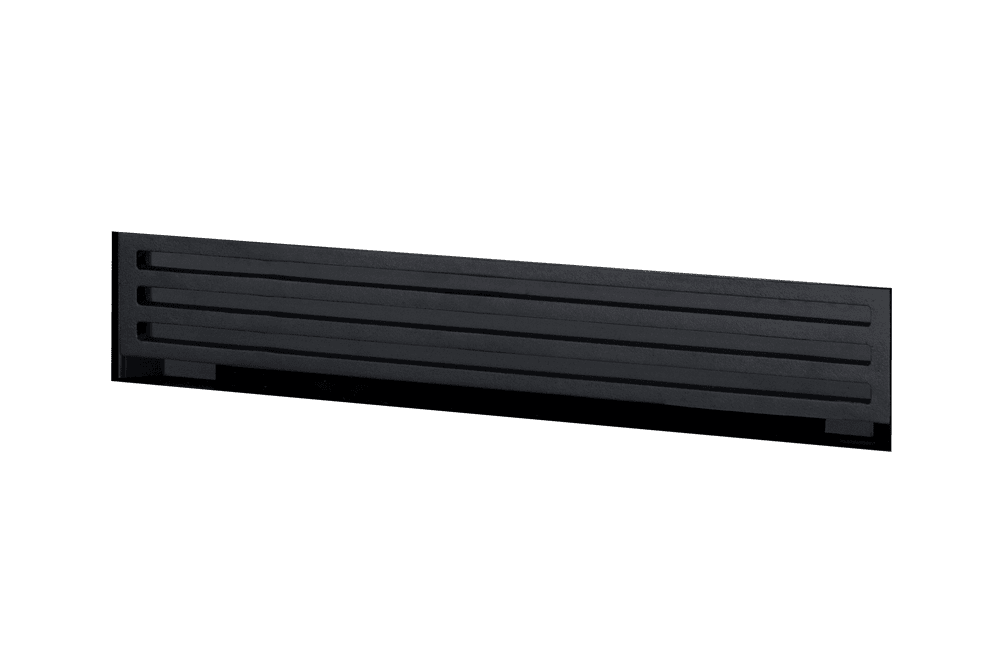
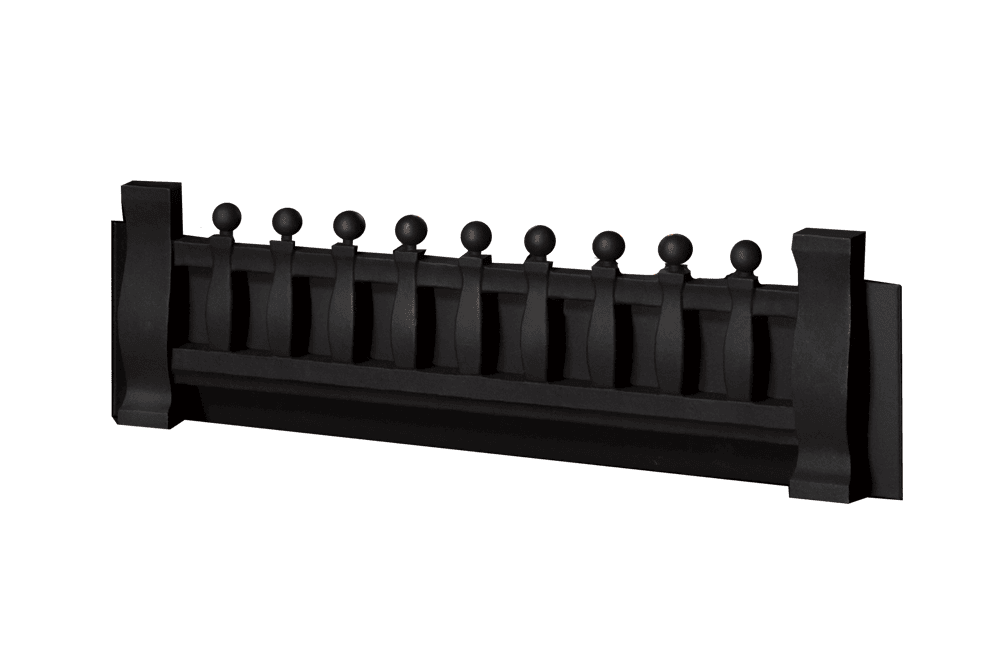
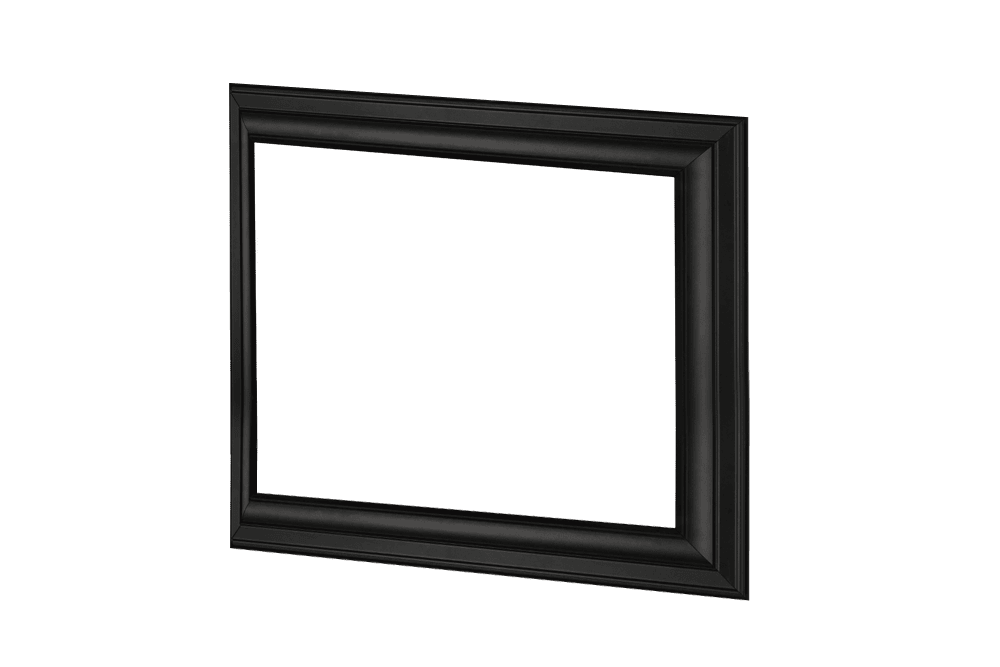
We offer a wide variety of customizable options on all of our fireplaces, allowing you to find the perfect installation combination for your home.
Options And Features






Related Products
Not the right fit for your home? Browse Our gas fireplace insert options.
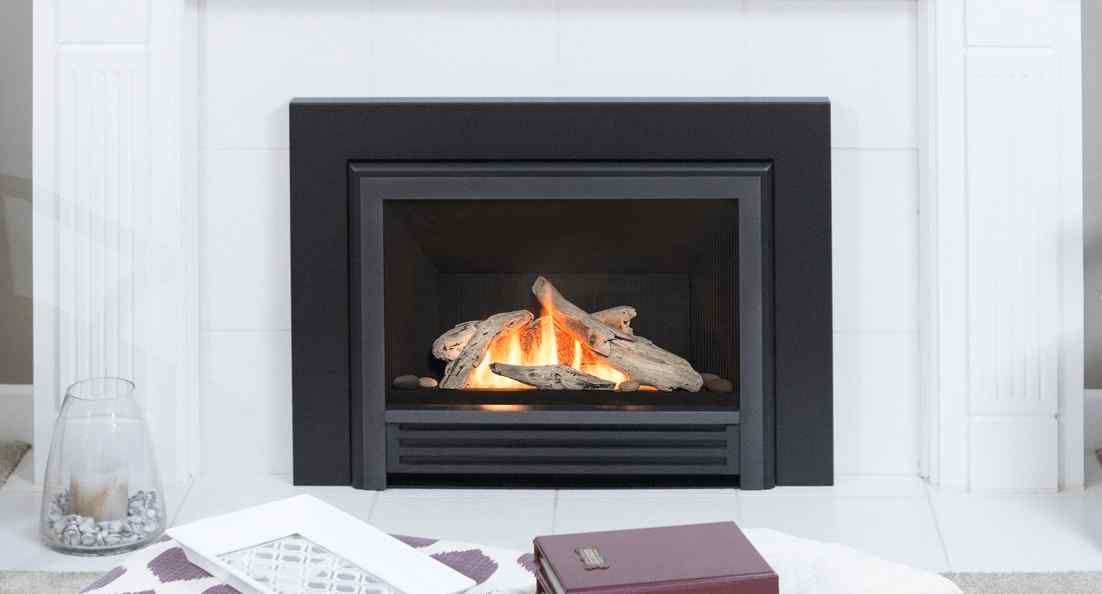
G3 INSERT
With easy-to-use, energy saving features, the G3 is the industry’s best radiant gas insert.
Valor G3 Insert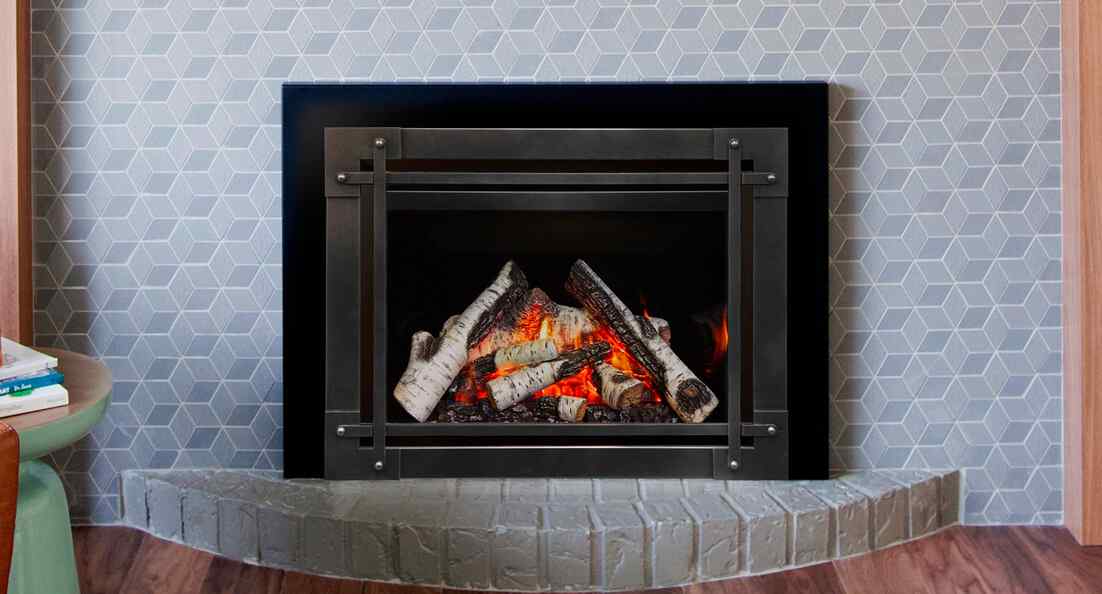
G3.5 INSERT
Exuding radiant heat, high efficiency and the ultimate in comfort control.
Valor G3.5 Insert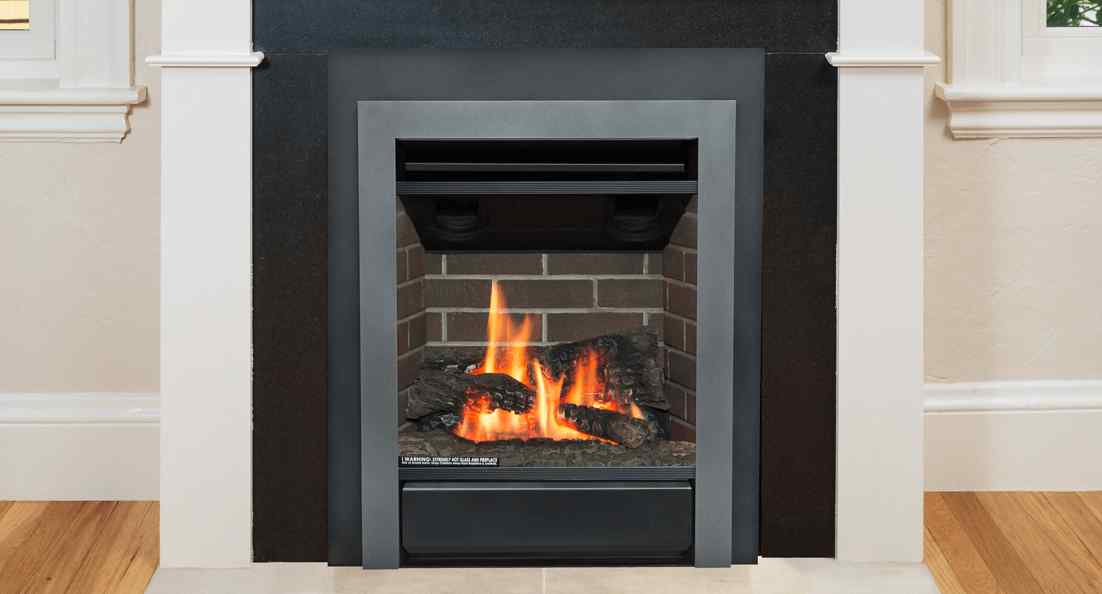
PORTRAIT INSERTS
Eliminate smoke, messy ashes and cold drafts with an efficient, economical insert.
Valor Portrait Inserts
FIREPLACE SAFETY
A Valor Barrier Screen is recommended with all fireplace applications, and is included with your purchase. Close adult supervision is required if there are young children, or at-risk individuals in your home. Fireplace Safety
LOOKING FOR A VALOR DEALER?
The best way to experience the radiant warmth of a Valor gas fireplace is in person. At an authorized Valor dealer, you can see the flame, feel the radiant heat, and get expert guidance to help you choose a fireplace designed for lasting comfort, everyday enjoyment, and dependable performance.
Locate a Valor Dealer